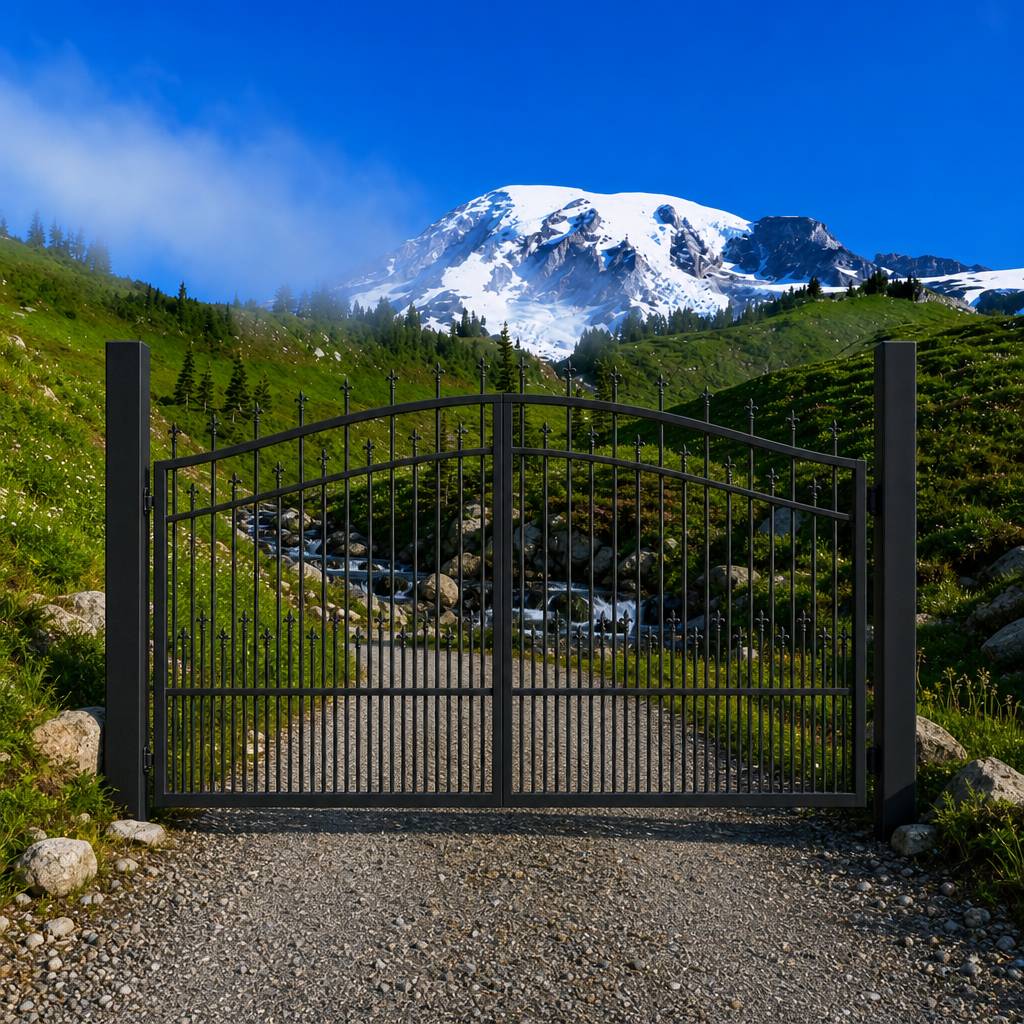
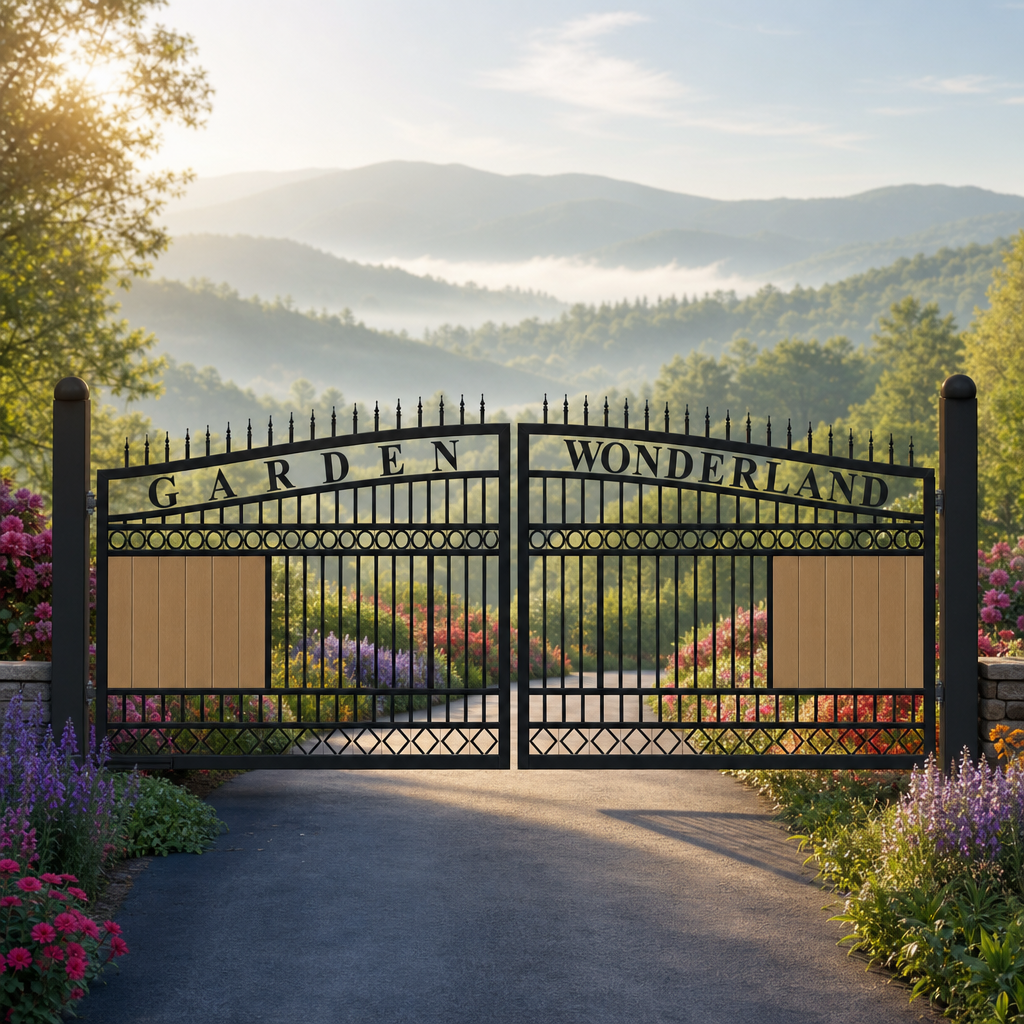
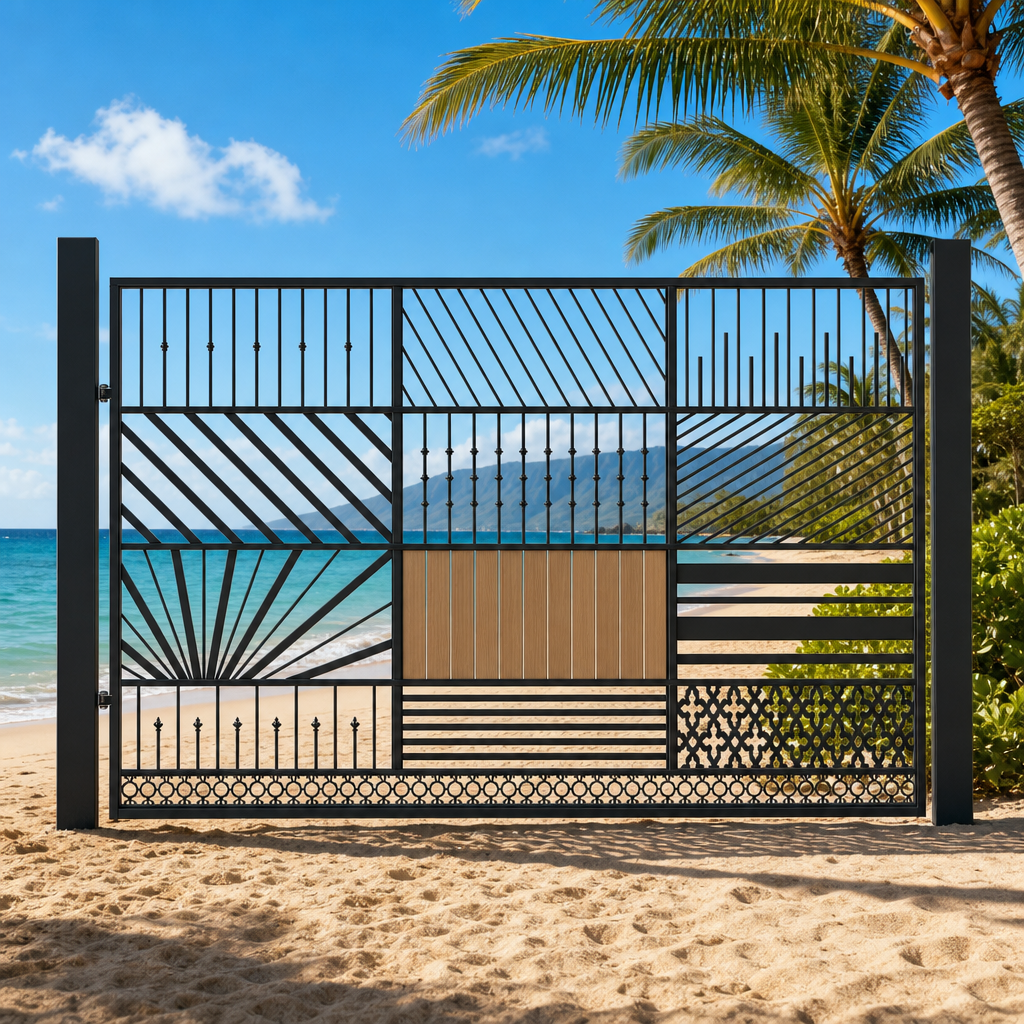
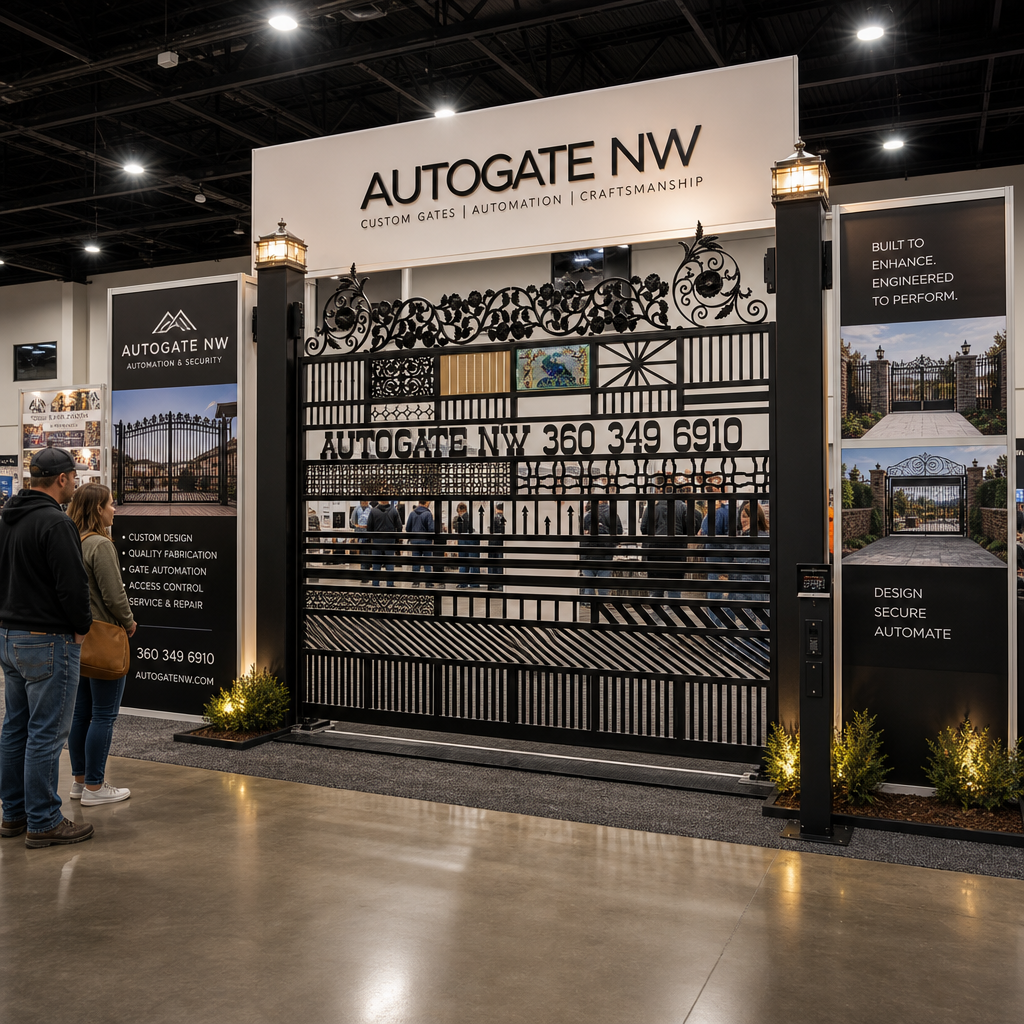
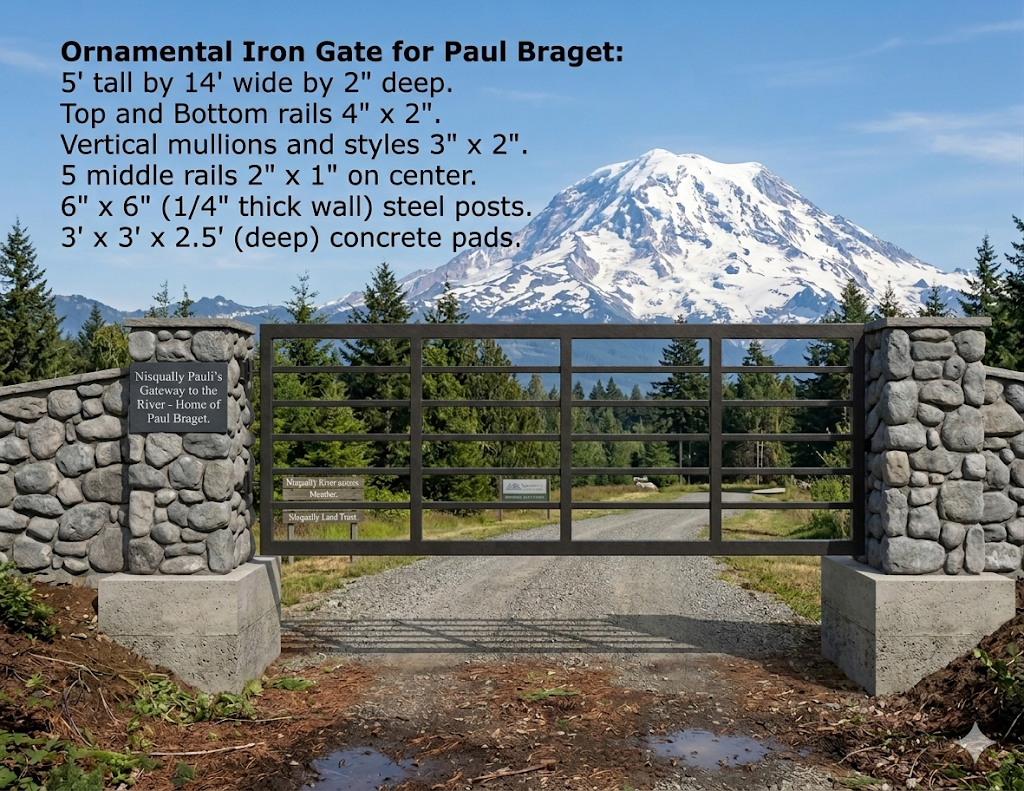
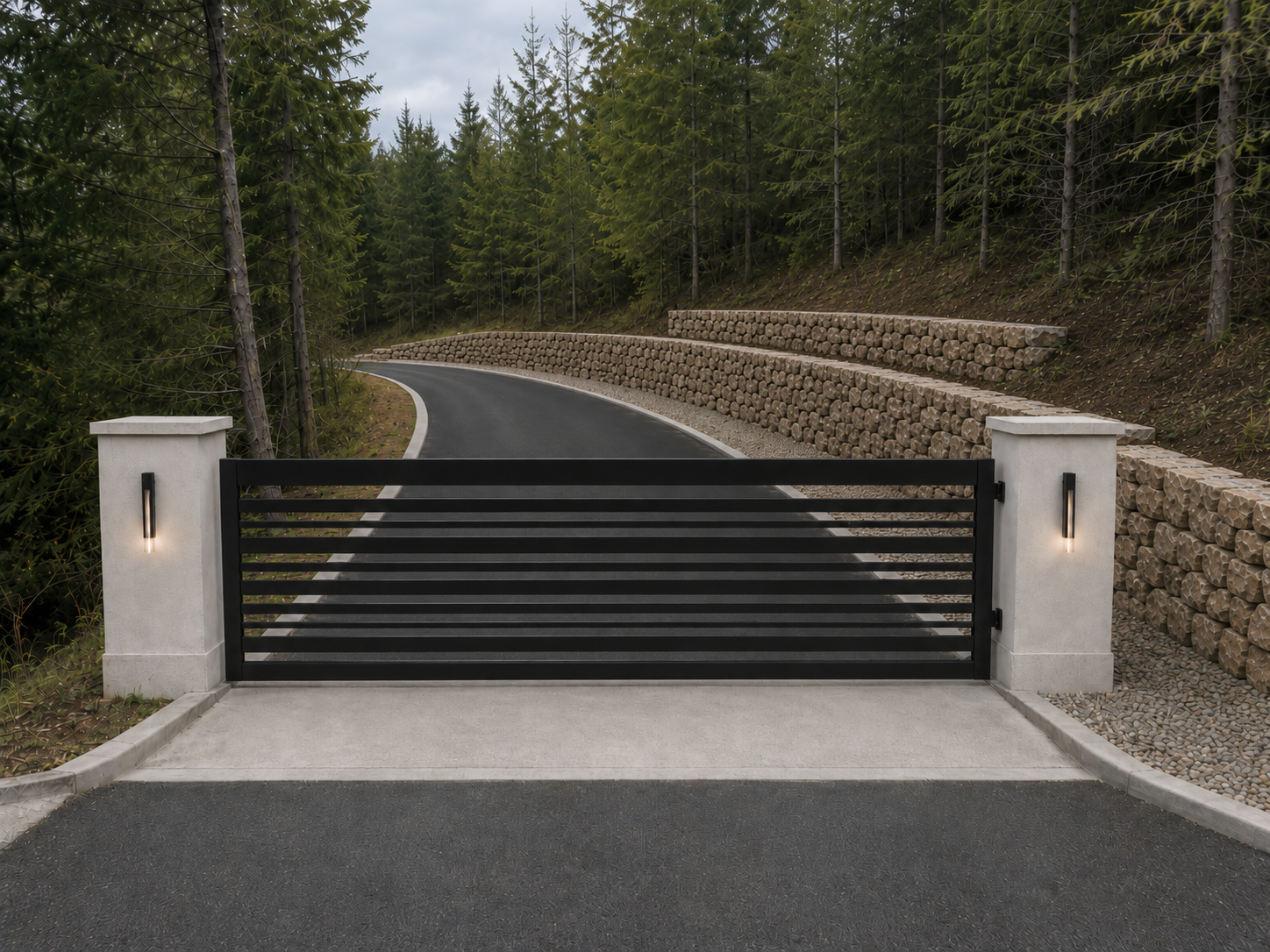
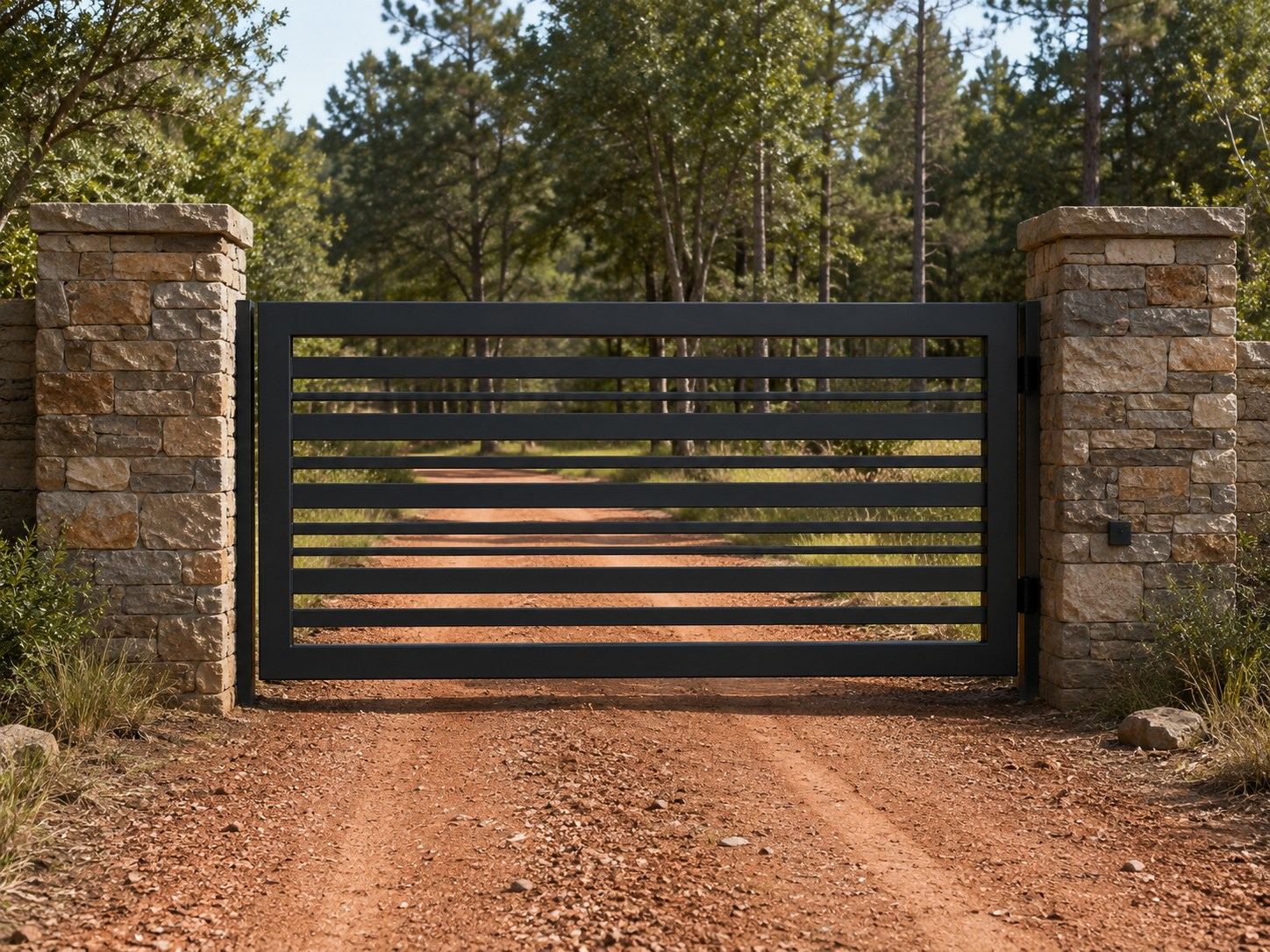
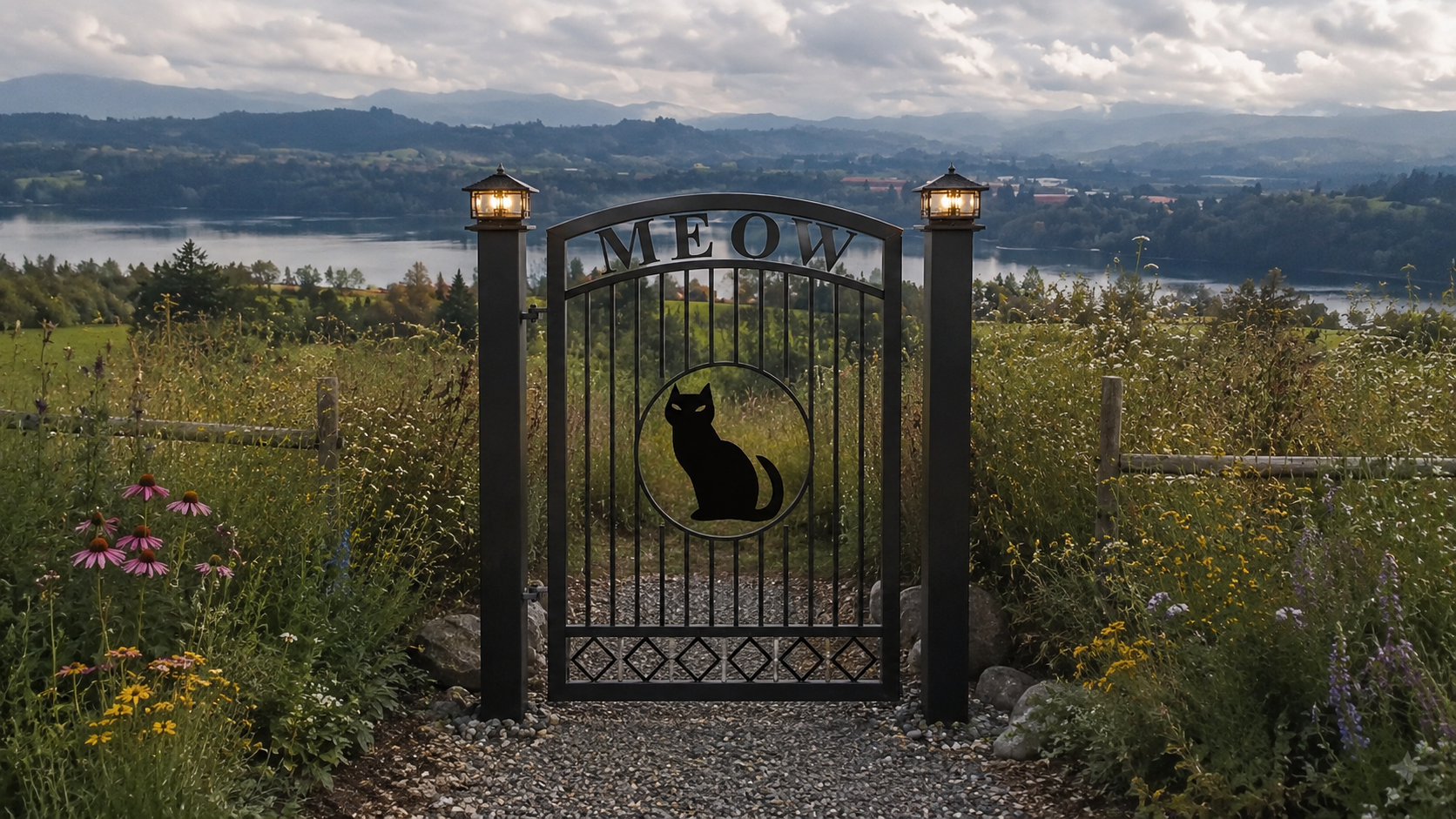
Copy and paste one of these into the text field above, then edit it to match the customer’s property.
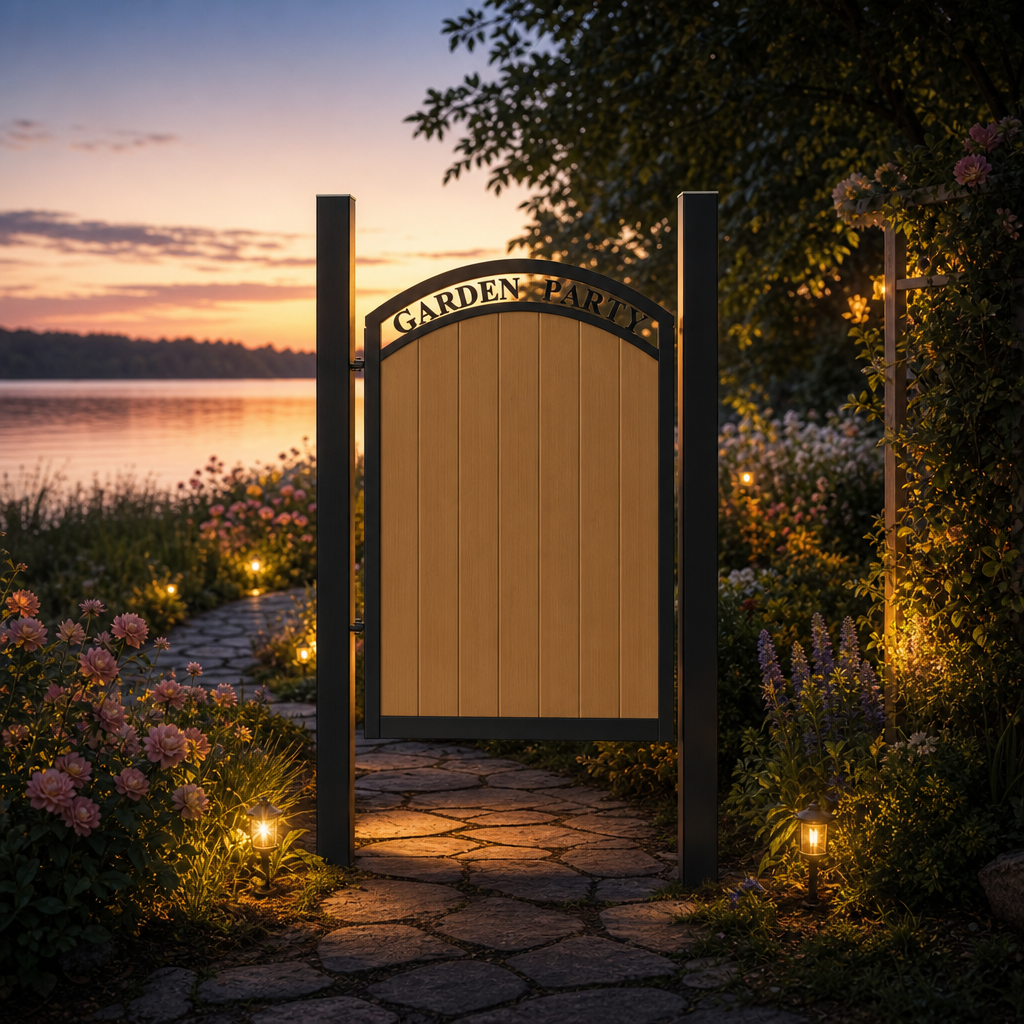
Sunrise at the lakeUse the uploaded gate image as the primary reference. Preserve the gate design closely. Treat white areas in the gate image as transparent/open space so the background is visible through pickets, ornamental features, scrollwork, decorative openings, and other white/open areas. Place this gate at the entrance to a peaceful lakefront driveway at sunrise, with soft mist, warm early light, natural landscaping, and realistic shadows. Do not add new words or logos.
Midnight at the oasisUse the uploaded gate image as the primary reference. Preserve the gate design closely. Treat white areas in the gate image as transparent/open space so the background is visible through pickets, ornamental features, scrollwork, decorative openings, and other white/open areas. Create a dramatic desert oasis entrance at night with moonlight, warm lanterns, palm silhouettes, stone columns, and realistic ground contact. Do not add new words or logos.
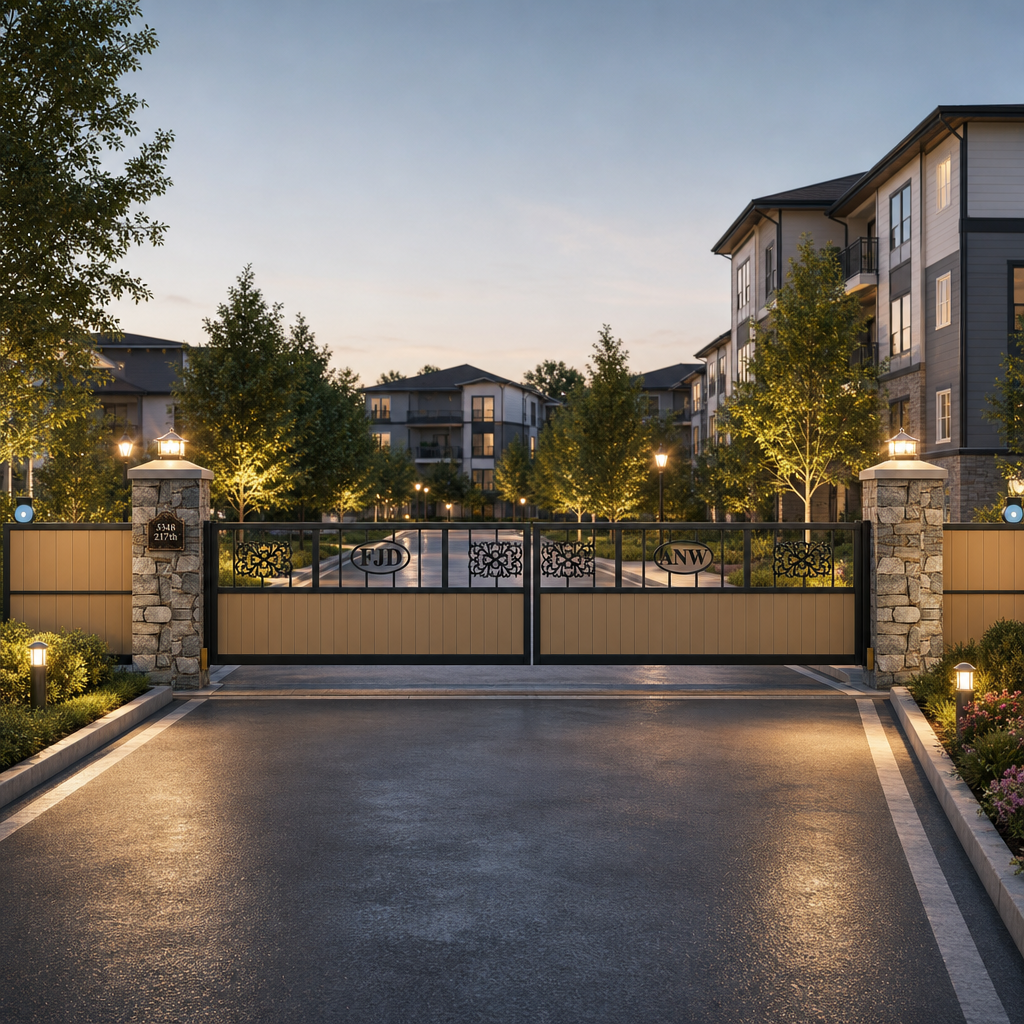
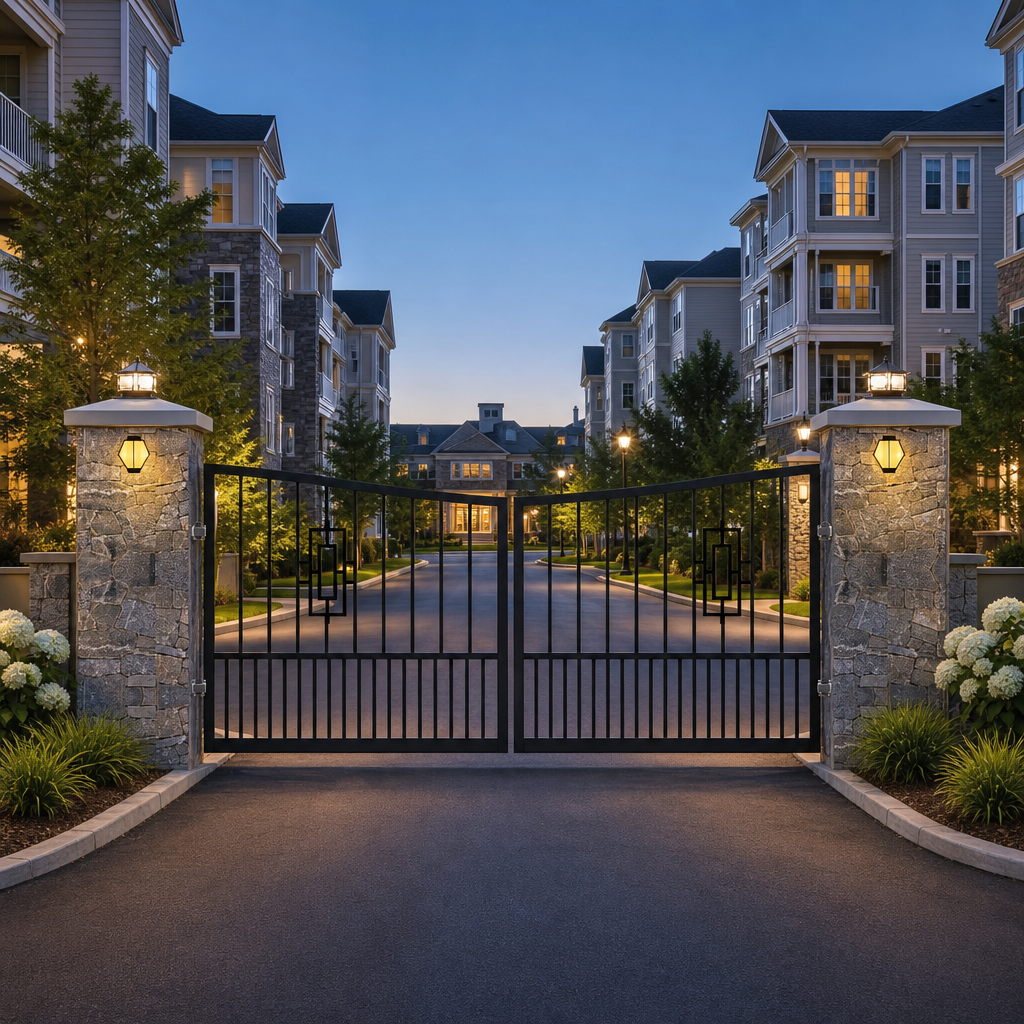
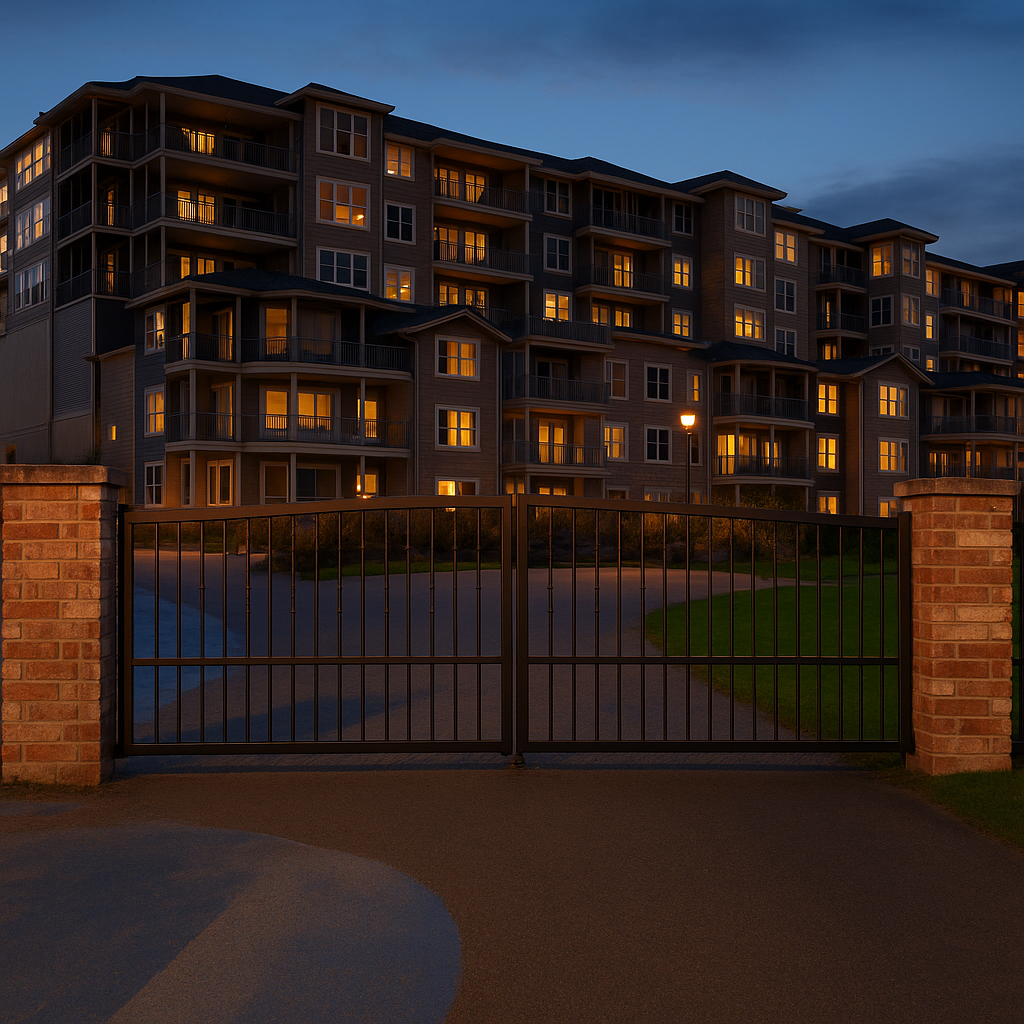
Apartment complexUse the uploaded gate image as the primary reference. Preserve the gate design closely. Treat white areas in the gate image as transparent/open space so the background is visible through pickets, ornamental features, scrollwork, decorative openings, and other white/open areas. Place this gate at the entrance to an upscale apartment complex with clean pavement, practical lighting, landscaping, and a realistic residential-community look. Do not add new words or logos.
Marina entranceUse the uploaded gate image as the primary reference. Preserve the gate design closely. Treat white areas in the gate image as transparent/open space so the background is visible through pickets, ornamental features, scrollwork, decorative openings, and other white/open areas. Create a realistic marina or yacht-club entrance with water in the background, coastal lighting, clean paving, and subtle nautical surroundings. Do not add new words or logos.
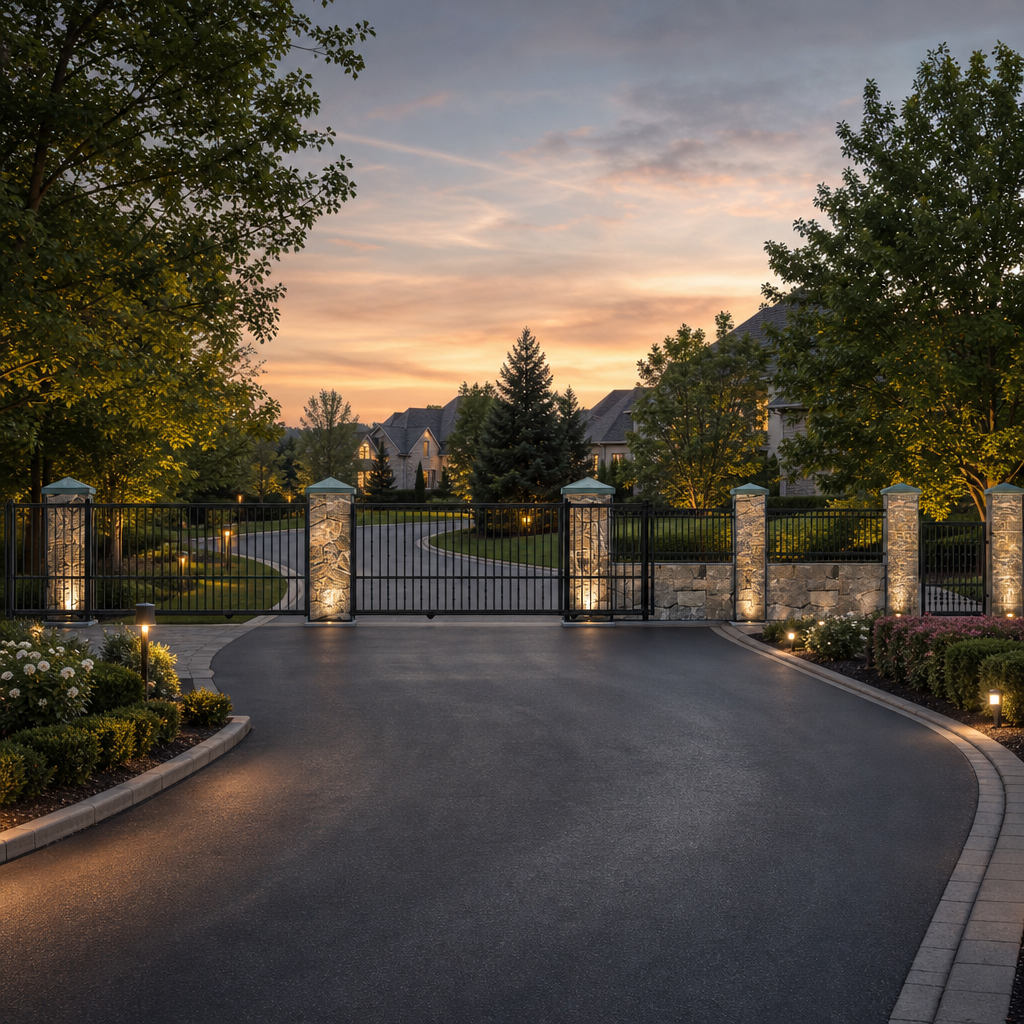
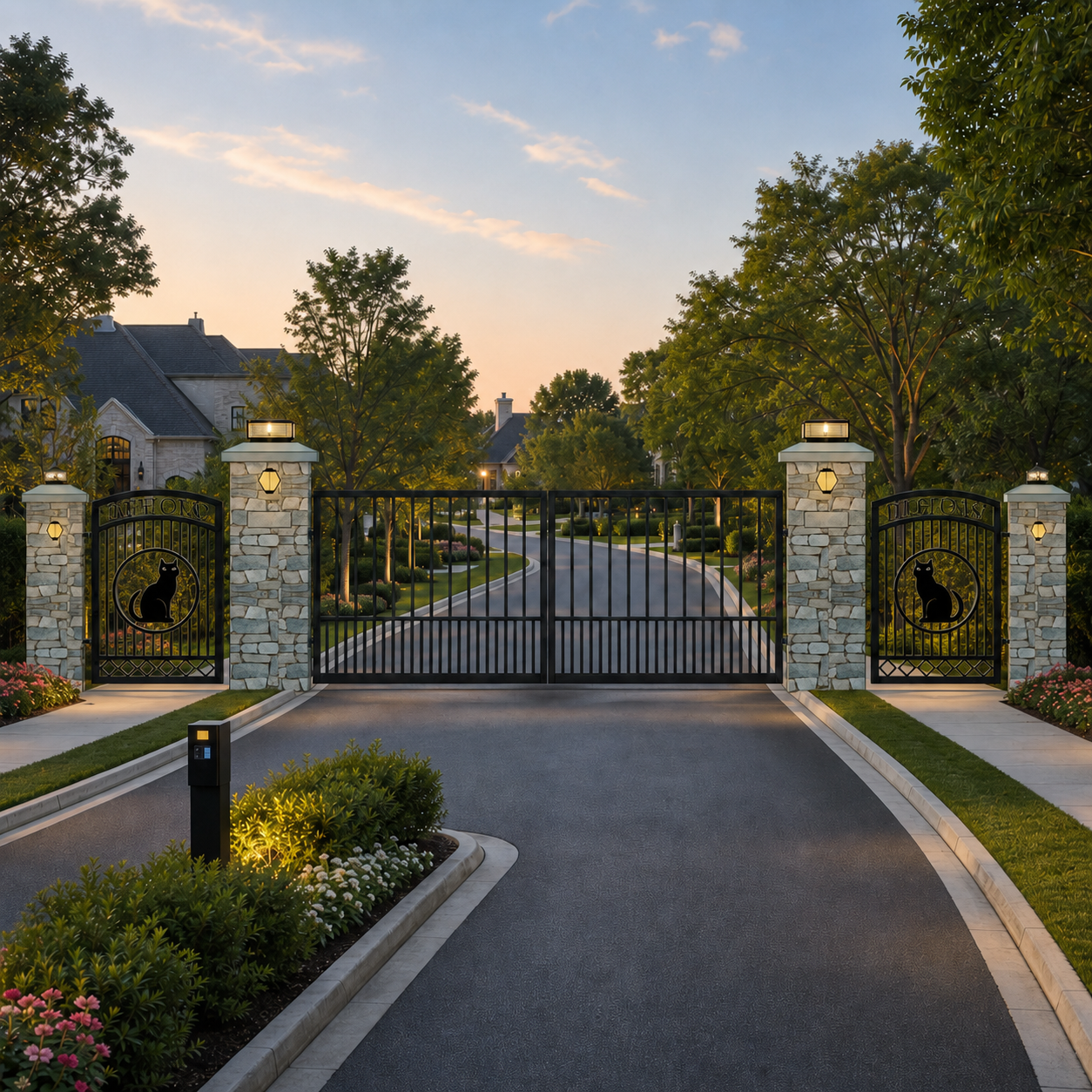
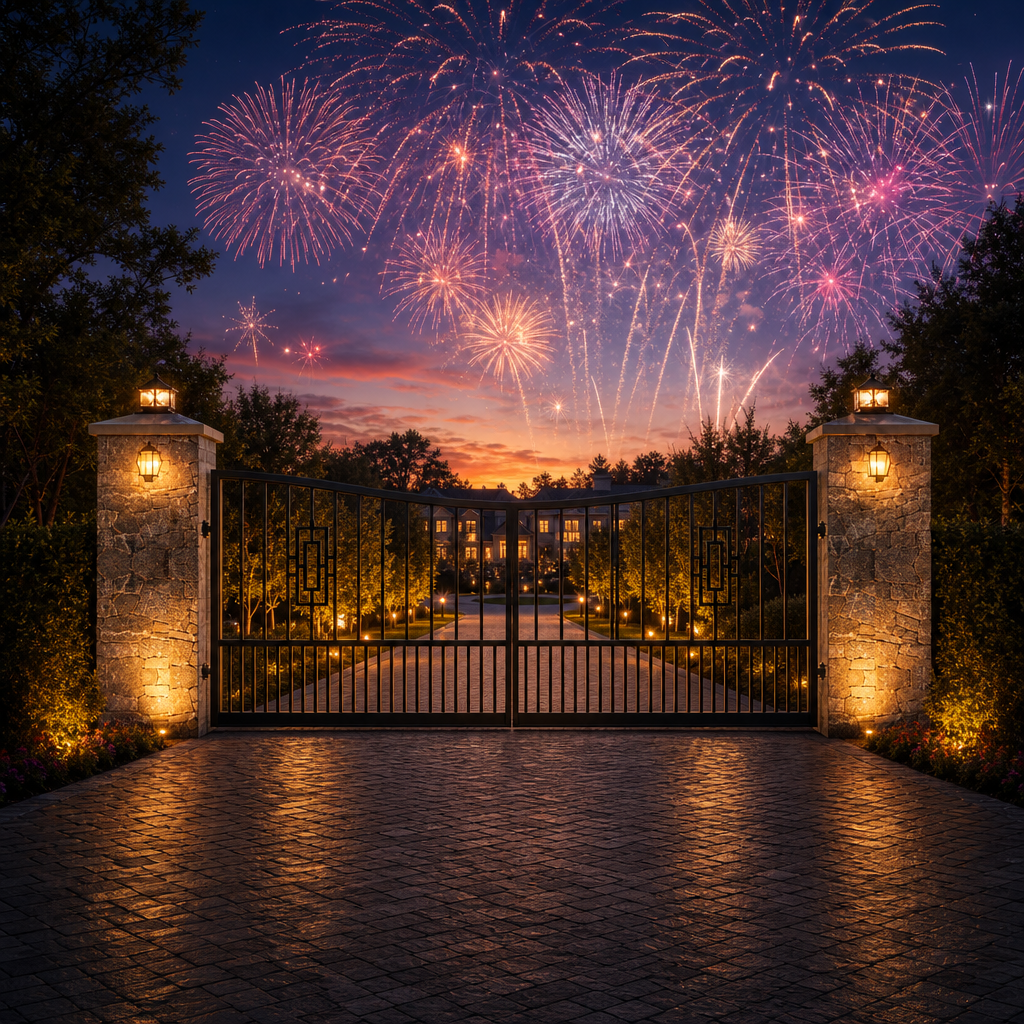
Evening estateUse the uploaded gate image as the primary reference. Preserve the gate design closely. Treat white areas in the gate image as transparent/open space so the background is visible through pickets, ornamental features, scrollwork, decorative openings, and other white/open areas. Place this gate into a realistic evening estate driveway scene with warm column lights, subtle landscape lighting, a paved driveway, and natural shadows. Do not add new words or logos.
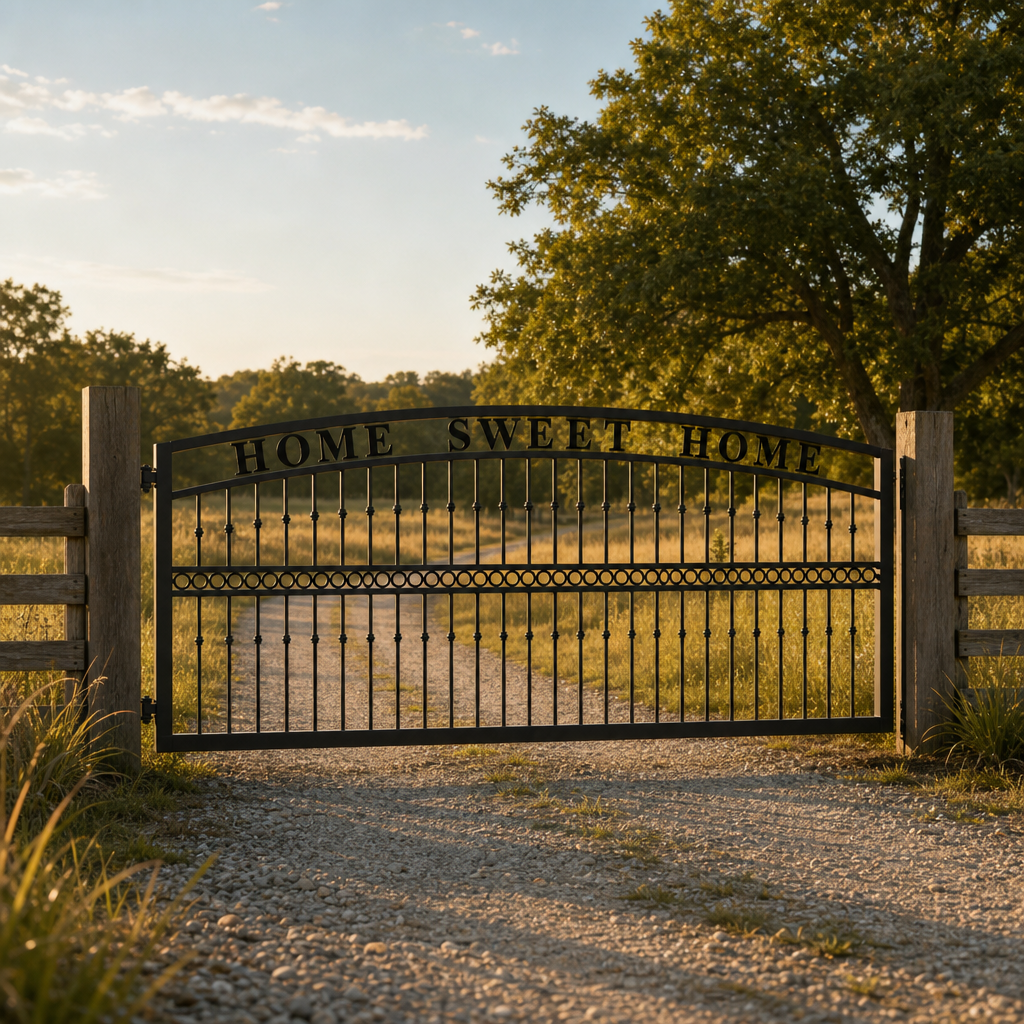
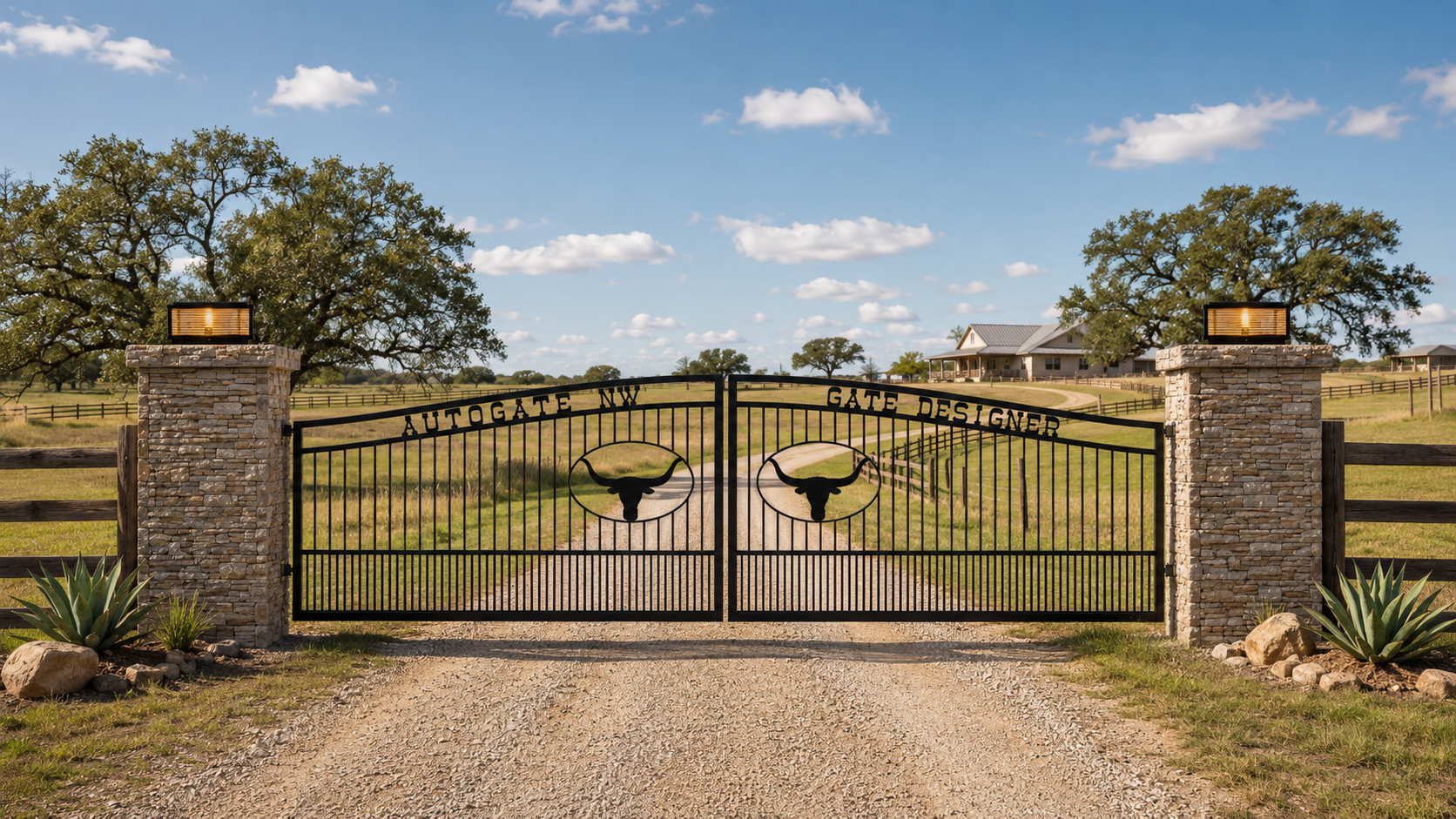
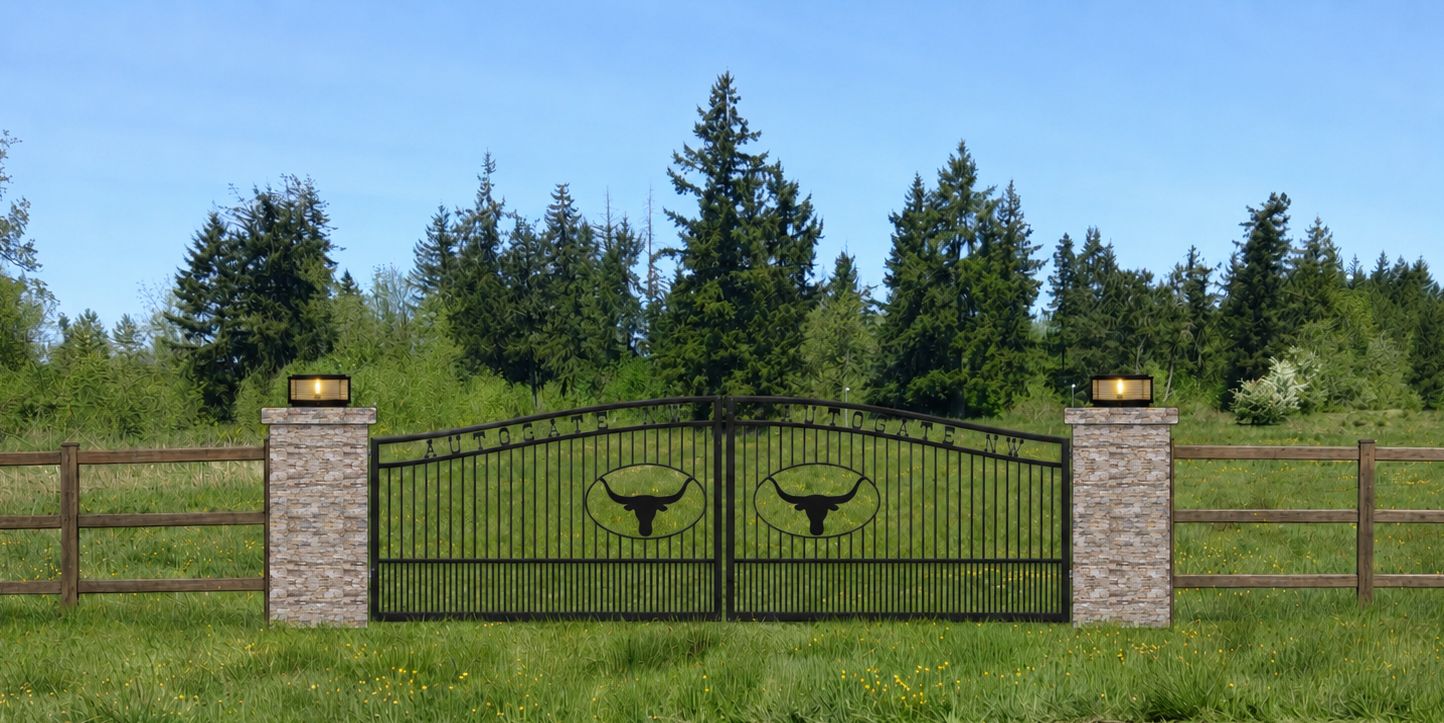
Ranch entranceUse the uploaded gate image as the primary reference. Preserve the gate design closely. Treat white areas in the gate image as transparent/open space so the background is visible through pickets, ornamental features, scrollwork, decorative openings, and other white/open areas. Create a realistic ranch entrance with open pasture, gravel driveway, stone columns, natural grasses, and a bright clear sky. Do not add new words or logos.
Modern homeUse the uploaded gate image as the primary reference. Preserve the gate design closely. Treat white areas in the gate image as transparent/open space so the background is visible through pickets, ornamental features, scrollwork, decorative openings, and other white/open areas. Place this gate at the entrance to a modern home driveway with clean landscaping, concrete columns, realistic daylight, and natural shadows. Do not add new words or logos.
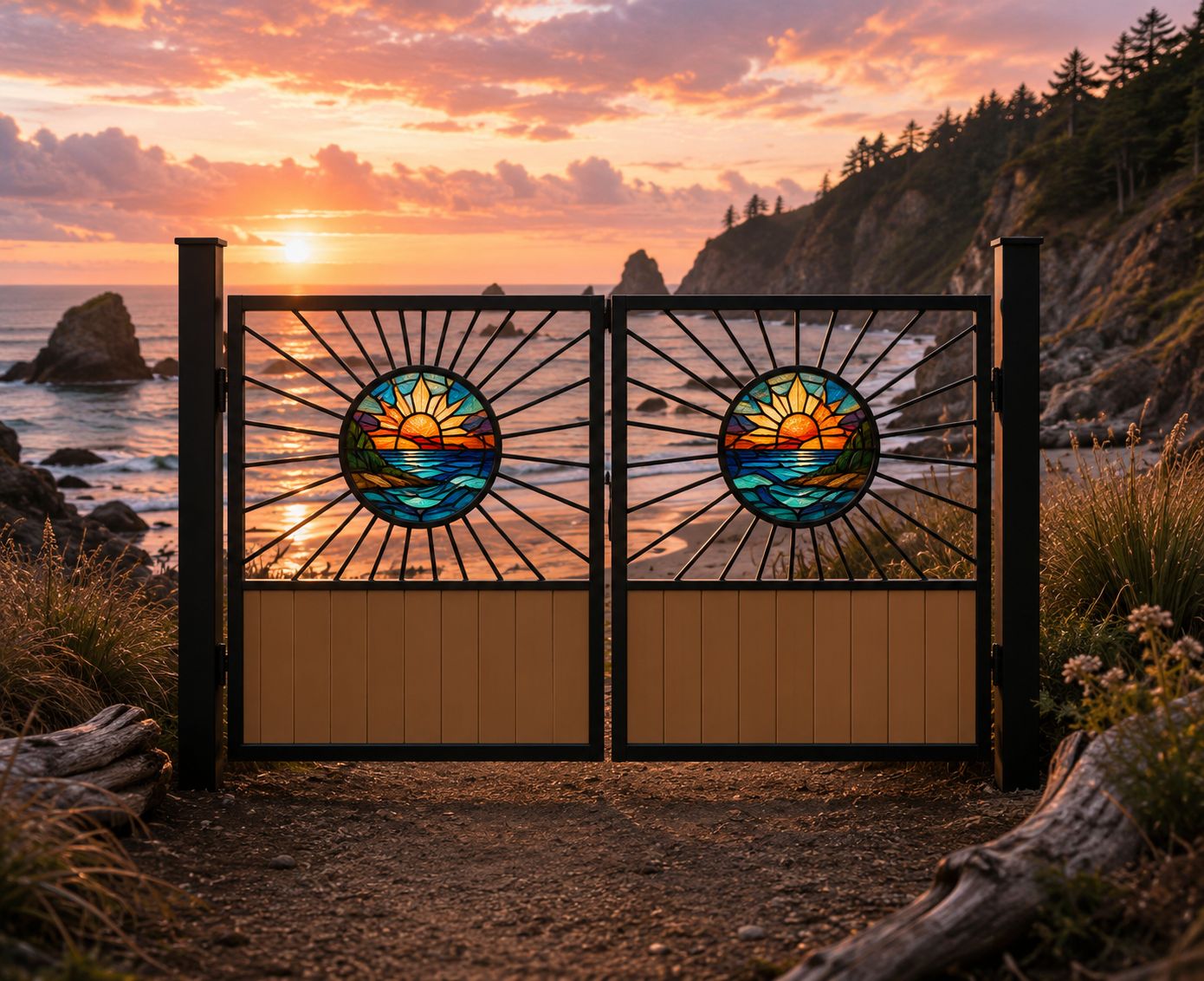
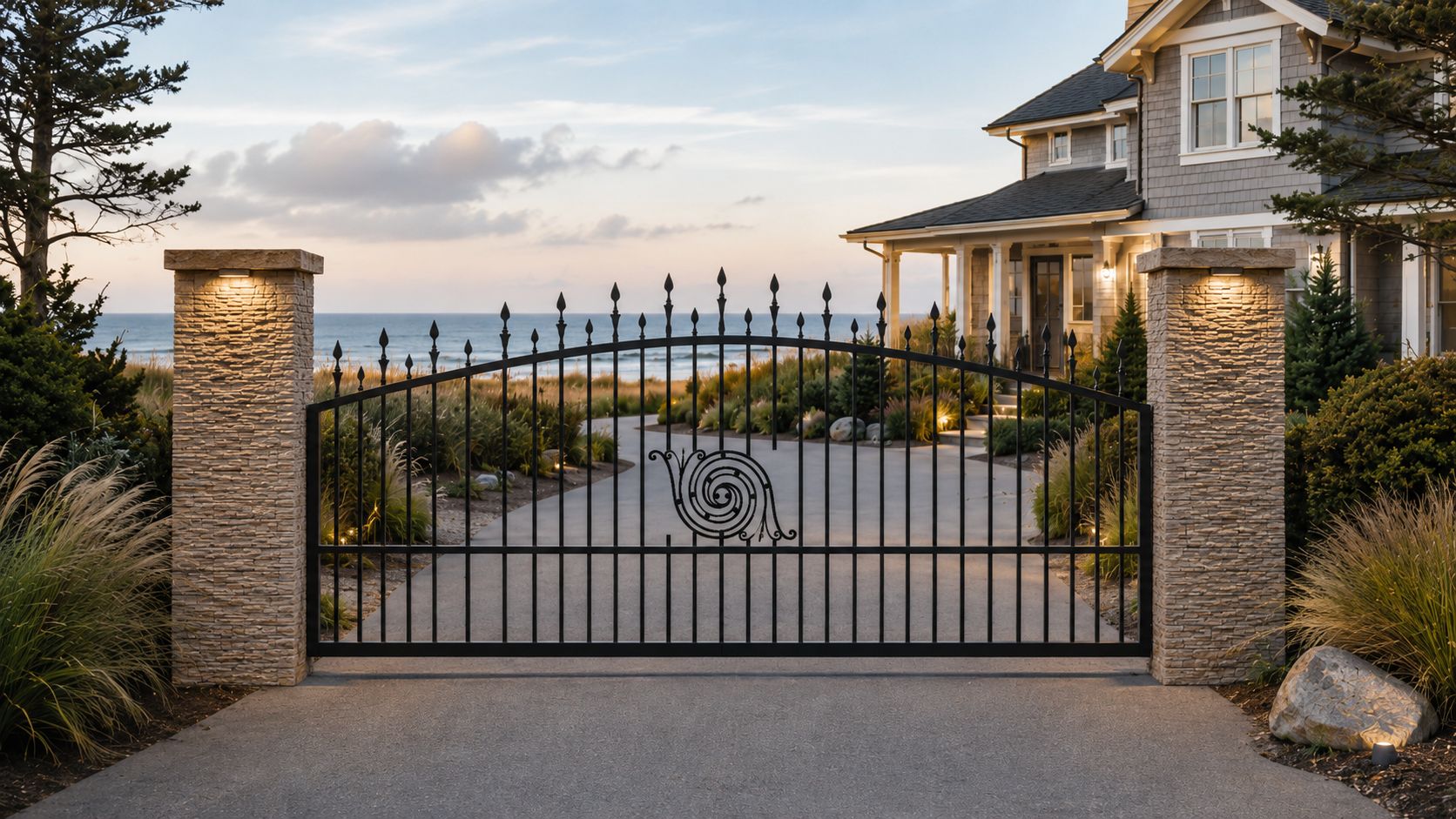
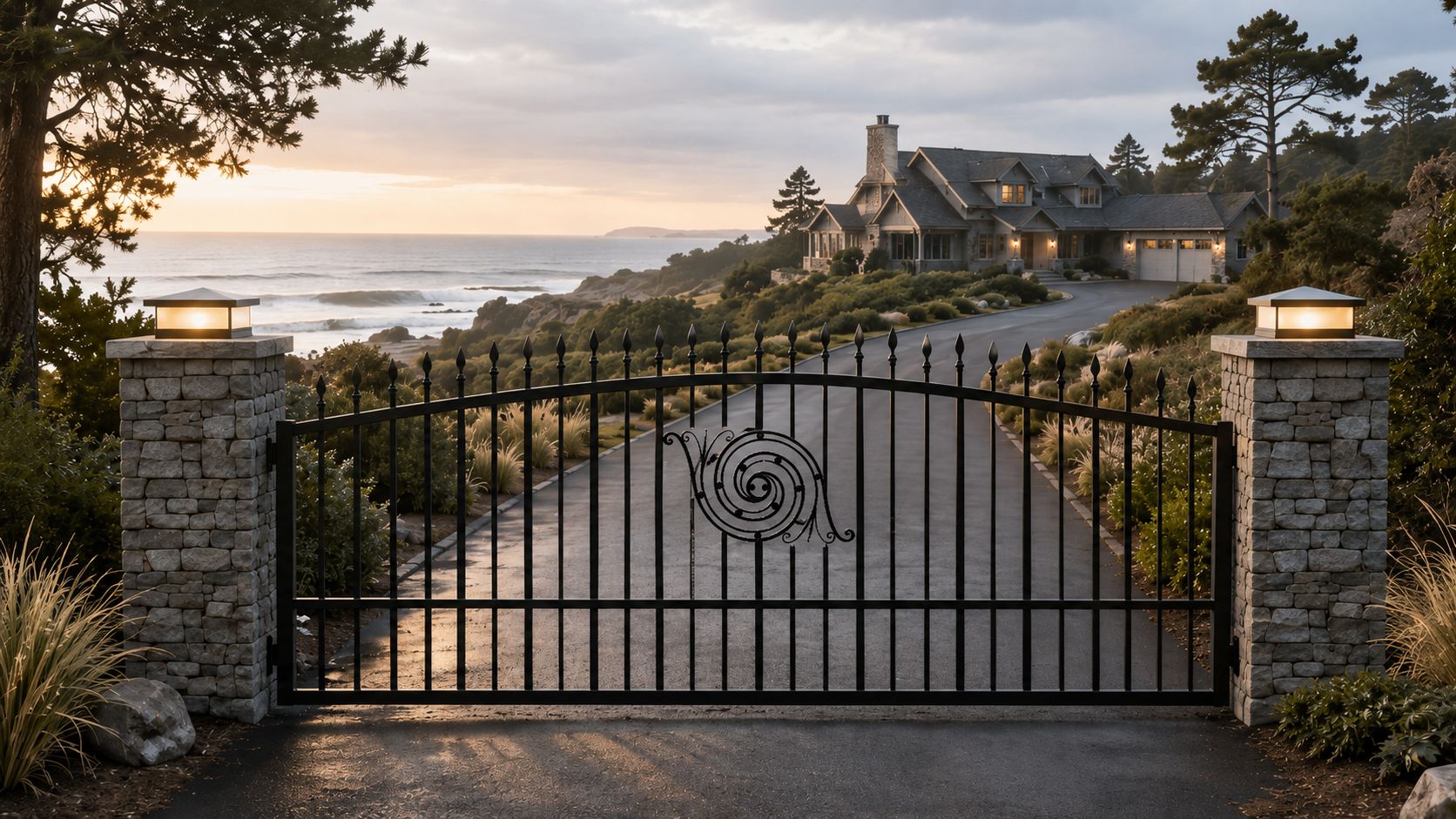
Coastal drivewayUse the uploaded gate image as the primary reference. Preserve the gate design closely. Treat white areas in the gate image as transparent/open space so the background is visible through pickets, ornamental features, scrollwork, decorative openings, and other white/open areas. Create a high-end coastal driveway entrance with ocean-view background, stone columns, warm sunset light, and realistic ground contact. Do not add new words or logos.
Forest drivewayUse the uploaded gate image as the primary reference. Preserve the gate design closely. Treat white areas in the gate image as transparent/open space so the background is visible through pickets, ornamental features, scrollwork, decorative openings, and other white/open areas. Place this gate at the entrance to a private forest driveway with tall trees, soft morning light, natural landscaping, and a clean upscale look. Do not add new words or logos.
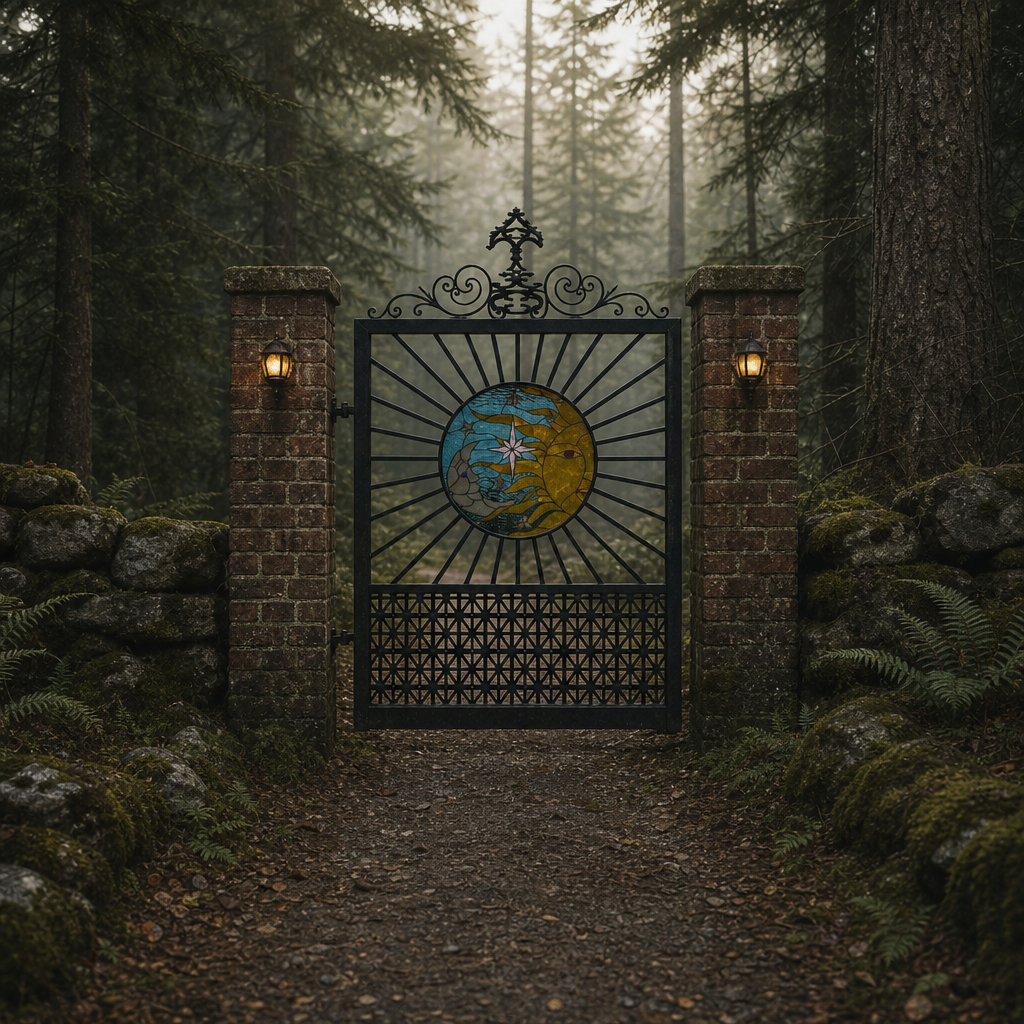
Private forest walkwayUse the uploaded gate image as the primary reference. Preserve the gate design closely allowing background to show through pickets and white areas. Treat white areas in the gate image as transparent/open space so the background is visible through pickets, ornamental features, scrollwork, decorative openings, and other white/open areas. Place this gate at the entrance to a private forest walkway with tall evergreen trees, dim misty early morning light, natural landscaping, and an old rustic look. Do not add new words or logos.
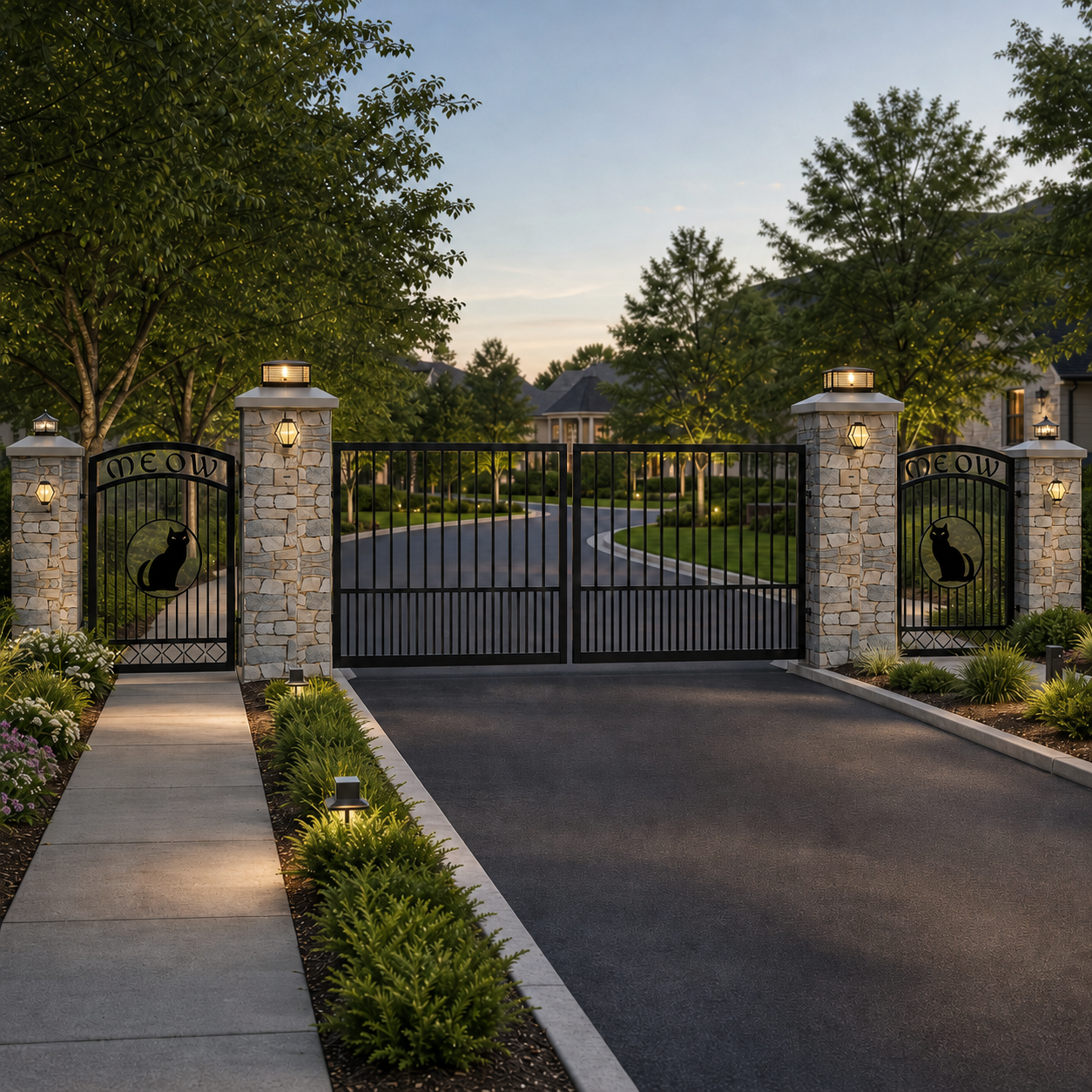
High-end HOA entranceUse the uploaded gate image as the primary reference. Preserve the gate design closely. Treat white areas in the gate image as transparent/open space so the background is visible through pickets, ornamental features, scrollwork, decorative openings, and other white/open areas. Place this gate at the entrance to a high-end HOA or gated residential community with manicured landscaping, upscale stone or masonry columns, clean asphalt, tasteful security lighting, an access-control pedestal set safely off to the side, and a polished luxury neighborhood look. Do not add new words, signs, or logos.
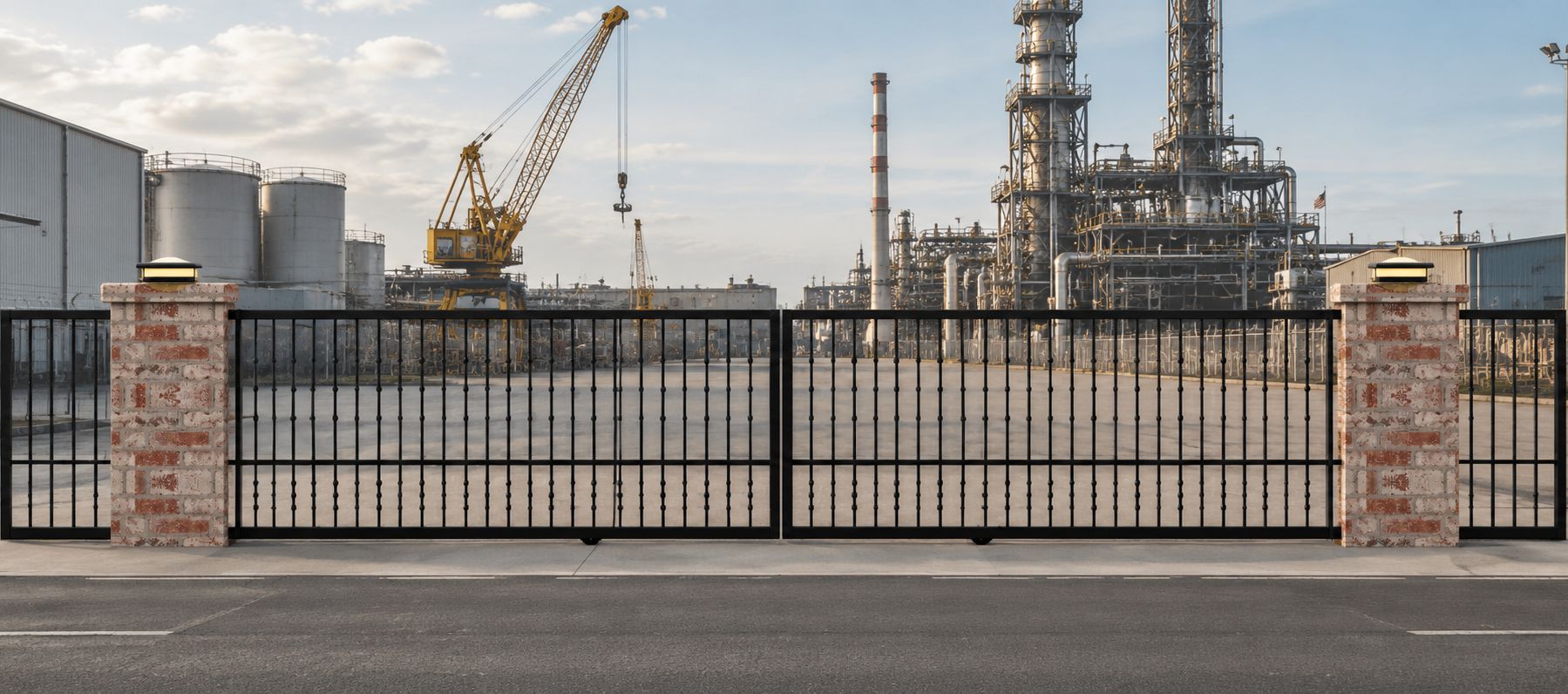
Industrial entranceUse the uploaded gate image as the primary reference. Preserve the gate design closely. Treat white areas in the gate image as transparent/open space so the background is visible through pickets, ornamental features, scrollwork, decorative openings, and other white/open areas. Place this gate in a realistic industrial or commercial entrance with asphalt pavement, security fencing, practical lighting, and a clean professional look. Do not add new words or logos.
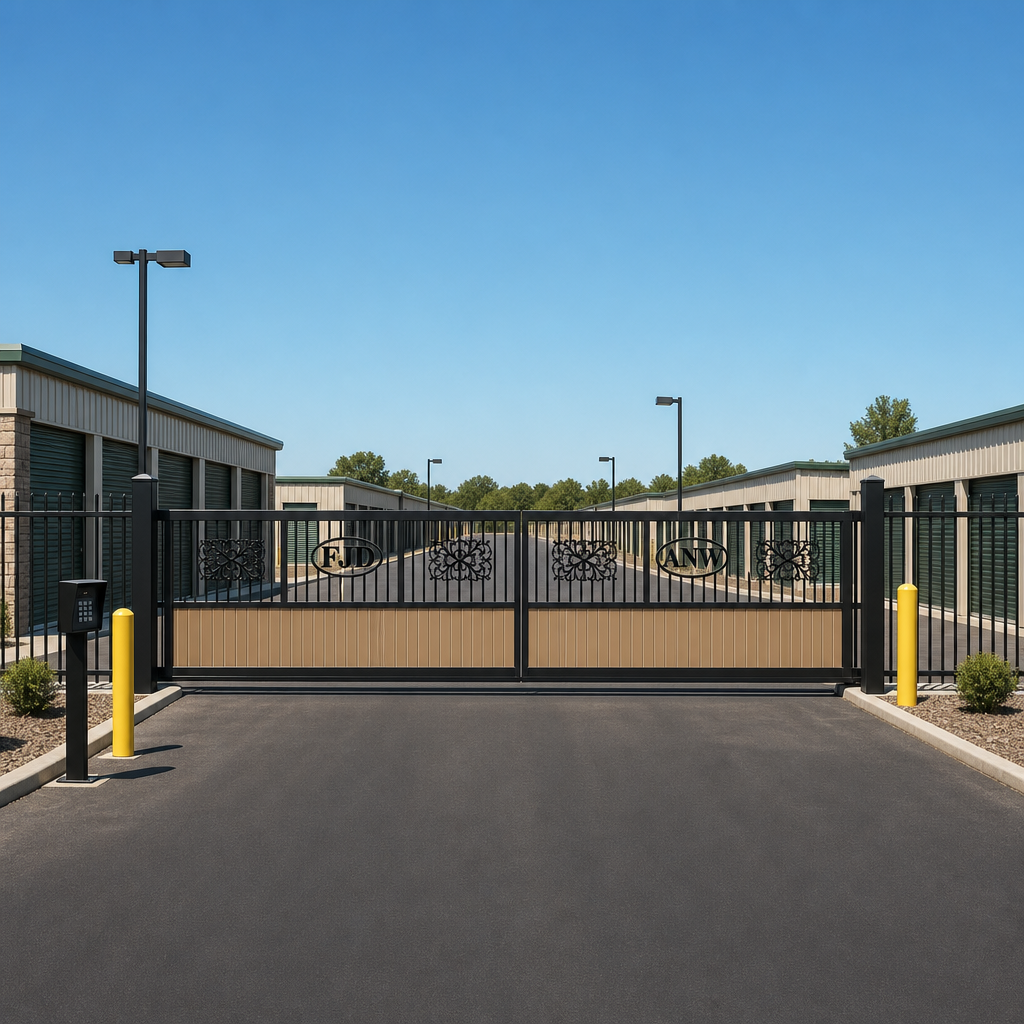
Cantilever storageUse the uploaded gate image as the primary reference. Preserve the gate design closely. Treat white areas in the gate image as transparent/open space so the background is visible through pickets, ornamental features, scrollwork, decorative openings, and other white/open areas. Create a realistic self-storage facility entrance with rows of storage buildings, asphalt paving, keypad pedestal, yellow bollards, security lighting, and perimeter fencing. Treat the uploaded gate as one continuous cantilever sliding gate panel with a rear counterbalance/tail and support posts/rollers; do not show it as two swing leaves. The fixed fence must stop at the opening and must not cross or block the driveway. Do not add new words, signs, or logos.
V-track slide storageUse the uploaded gate image as the primary reference. Preserve the gate design closely. Treat white areas in the gate image as transparent/open space so the background is visible through pickets, ornamental features, scrollwork, decorative openings, and other white/open areas. Create a realistic self-storage facility entrance with rows of storage buildings, asphalt paving, keypad pedestal, yellow bollards, security lighting, and perimeter fencing. Treat the uploaded gate as one continuous V-track sliding gate panel riding on a ground track; do not show it as two swing leaves. The fixed fence must stop at the gate posts and must not cross or block the driveway opening. Do not add new words, signs, or logos.
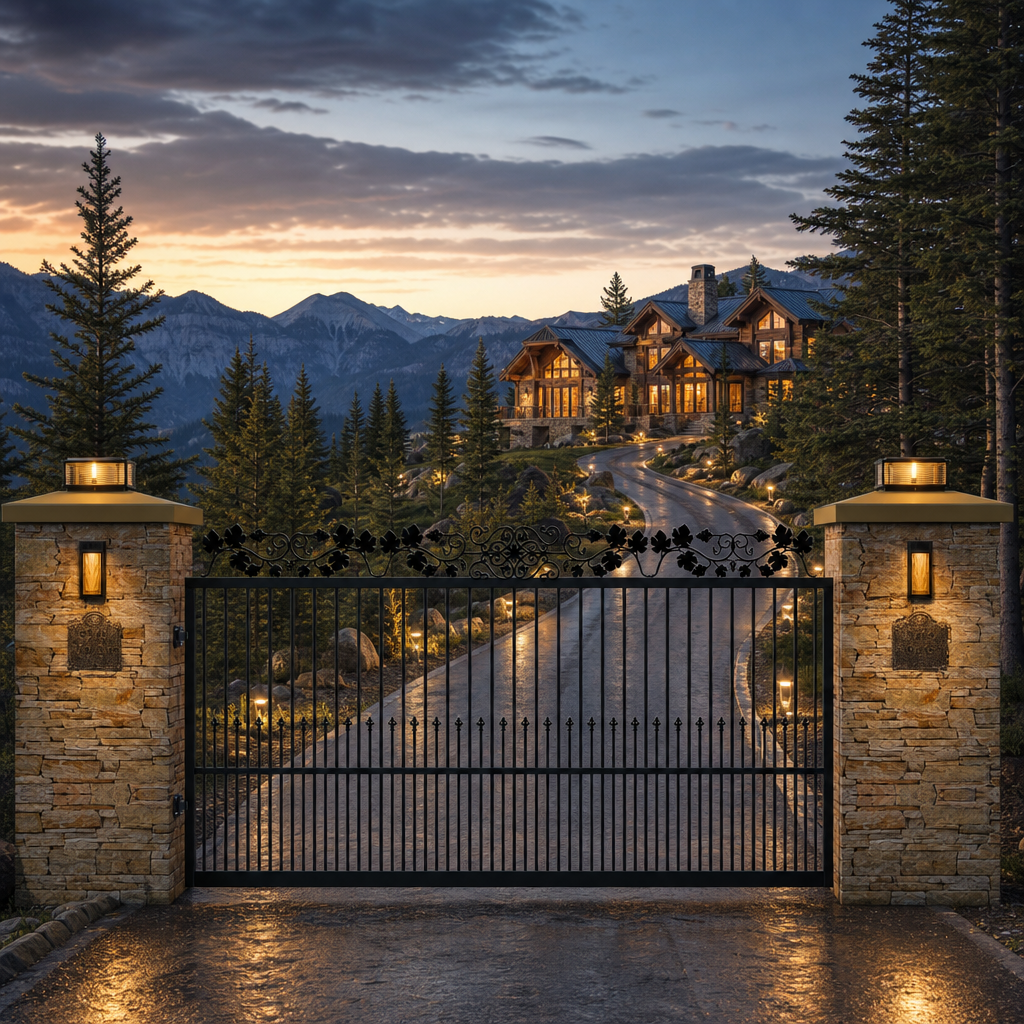
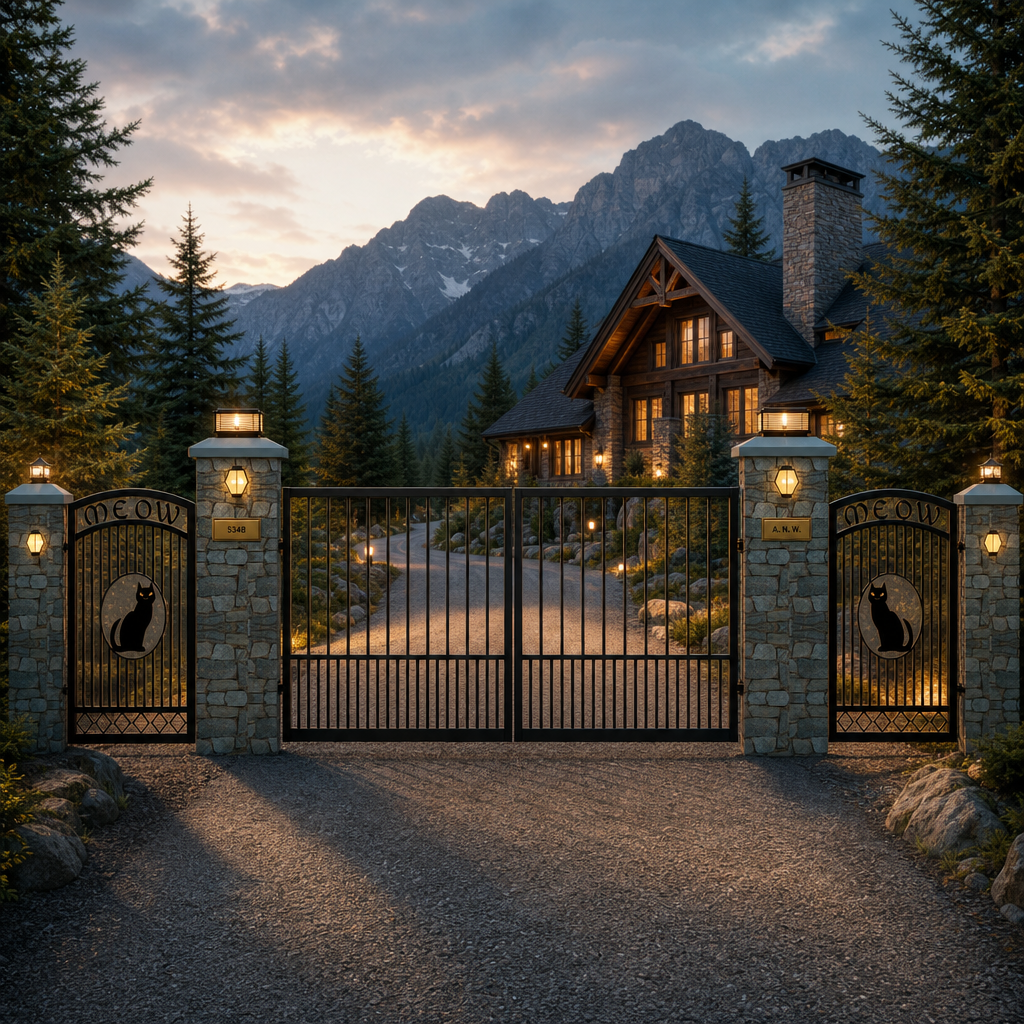
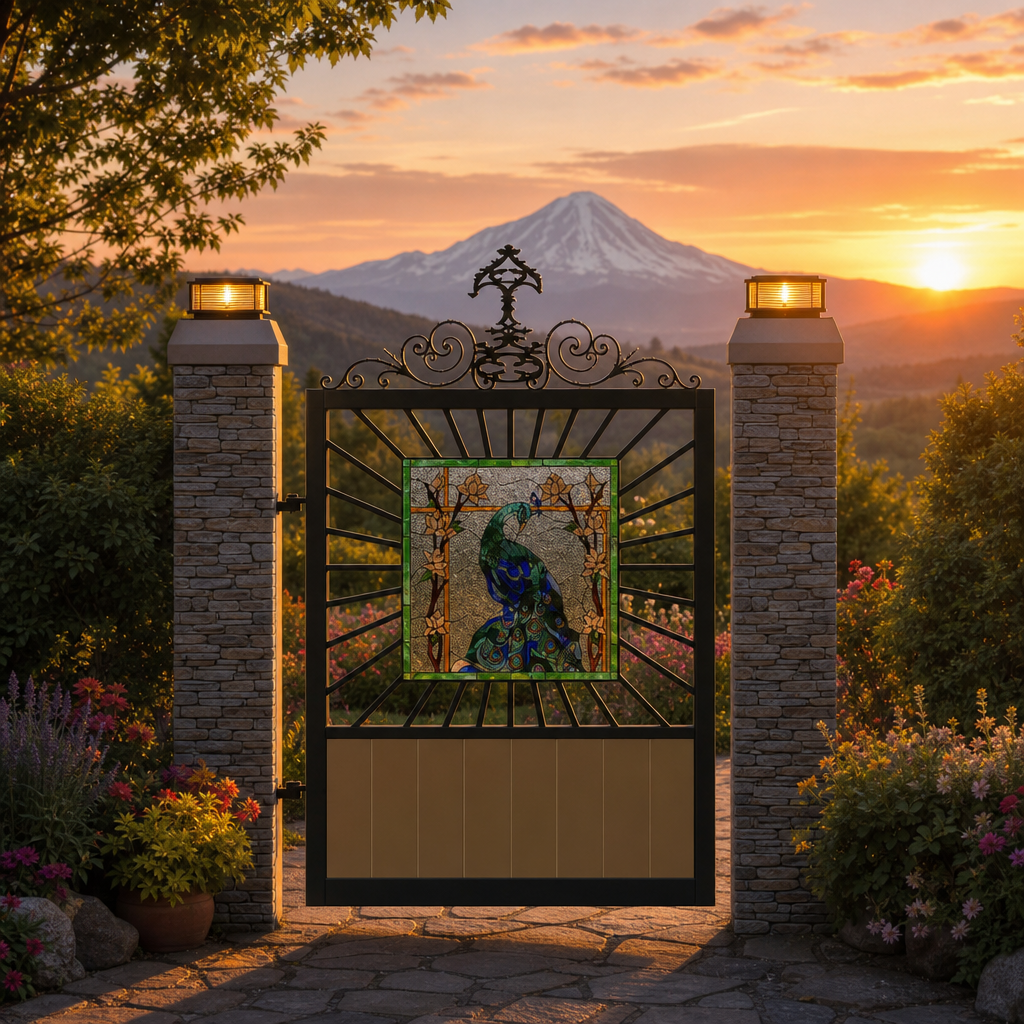
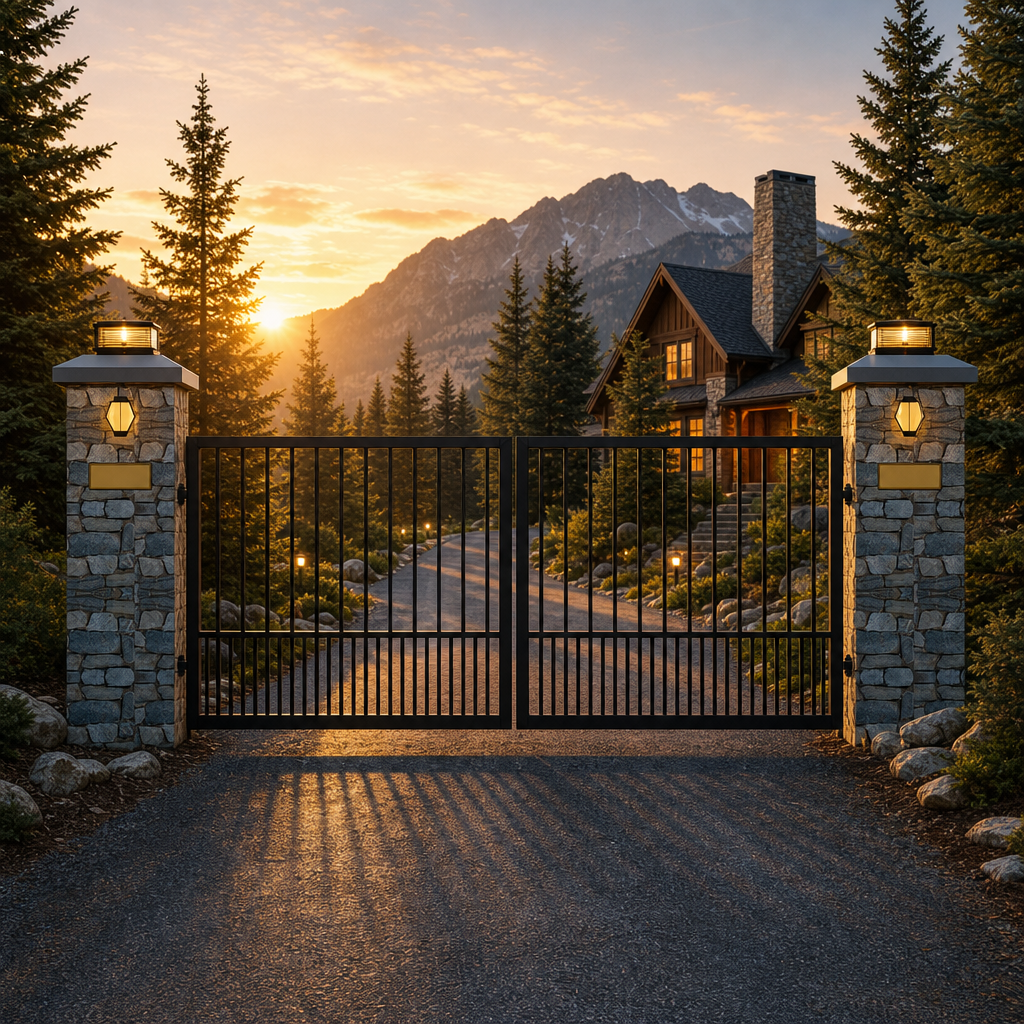
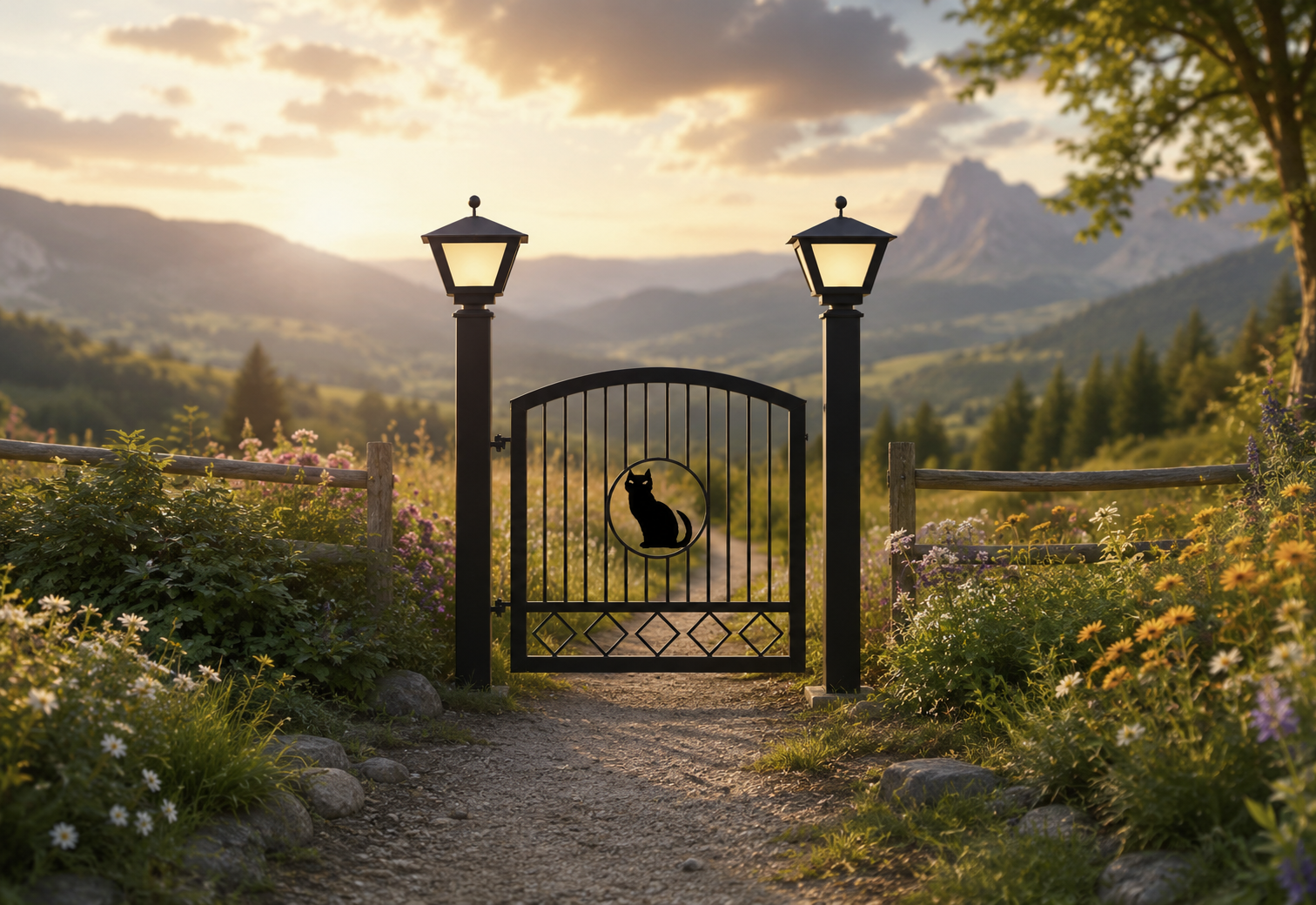
Mountain lodgeUse the uploaded gate image as the primary reference. Preserve the gate design closely. Treat white areas in the gate image as transparent/open space so the background is visible through pickets, ornamental features, scrollwork, decorative openings, and other white/open areas. Create a mountain lodge driveway entrance with evergreen trees, stone columns, warm cabin lighting, distant mountains, and realistic shadows. Do not add new words or logos.
Rustic countryUse the uploaded gate image as the primary reference. Preserve the gate design closely. Treat white areas in the gate image as transparent/open space so the background is visible through pickets, ornamental features, scrollwork, decorative openings, and other white/open areas. Create a rustic country entrance with wood fencing, gravel drive, natural grasses, late afternoon sunlight, and realistic proportions. Do not add new words or logos.

 Clients please login